
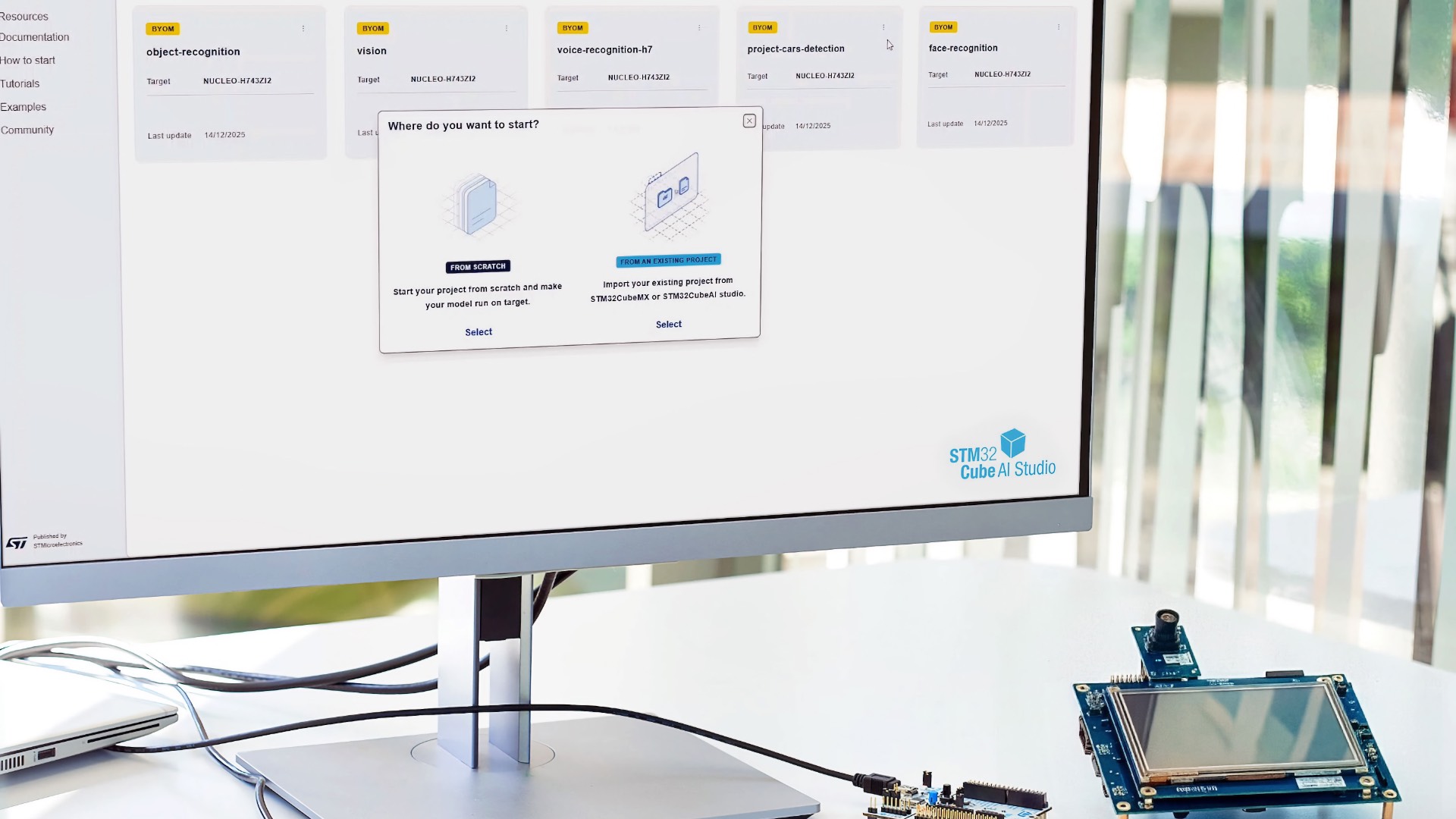
Today, ST welcomes STM32Cube AI Studio, a new standalone software tool that replaces X-CUBE-AI as the desktop solution for preparing, optimizing, and validating AI models running on STM32 devices. It takes what made X-CUBE-AI popular, adds some of the STM32 Developer Cloud goodness, and consolidates critical features like validation, quantization, and visualization in a brand-new UI to make machine learning at the edge even more accessible. Teams can already export existing projects from STM32CubeMX, bring their quantized neural network model, or add an unoptimized model and use STM32Cube AI Studio to generate an optimized C code version. STM32Cube AI Studio is available for download today.
How it started…
Were you there at the beginning of the Edge AI revolution in 2019?
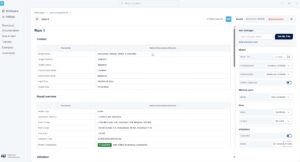
STM32Cube AI Studio didn’t happen in a vacuum; it’s the result of seven years of public releases and a decade of work behind the scenes. The first version of STM32Cube.AI dates back to CES 2019 and represents the first time a major semiconductor vendor released such a tool. STM32Cube.AI comprised X-CUBE-AI and a function pack that provided examples of sensing applications. ST chose this approach because it integrated with STM32CubeMX, the initialization tool and code generator that nearly all STM32 developers use to start their project. By shipping our first solution as an X-CUBE package, ST made machine learning development more accessible by integrating it into existing workflows.
Did you start with a framework or AutoML?
At its core, STM32Cube.AI allowed engineers to convert neural networks into optimized code for STM32 devices. From day one, the tool supported some of the most popular libraries, including Keras, TensorFlow, Lasagne, and others. However, we also tailored our approaches to meet the new breed of developers working on these projects and the new applications that were leveraging the technology. That’s why we came up with NanoEdge AI Studio (previously NanoEdge AI), an AutoML tool for embedded software engineers who mostly work on anomaly detection and want to expedite the creation of AI algorithms with a tool that helps them analyze, choose, and validate their models.
Have you tried using our partners’ solutions or the cloud?
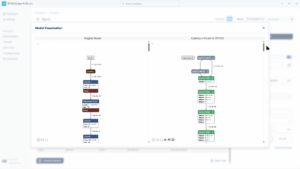
Once we started, the industry kept asking for more solutions to lower the barrier to entry. That’s why ST worked with numerous partners, like AWS or NVIDIA, to help engineers find new ways to build applications. We launched the ST Edge AI Developer Cloud with a board farm and a model zoo to shorten the time it takes programmers to go from concept to a custom application. And we continue to add more models to our zoo, support new frameworks, like PyTorch and broaden what it means to bring AI to the edge by even bringing ML to sensors. Given the multiplication of solutions, we created the Edge AI Suite to help developers take their first step.
When will you move to STM32Cube AI Studio?
And now we come full circle to X-CUBE-AI by replacing it with a standalone software that couldn’t have been conceived had we not first launched this X-CUBE package in 2019. In essence, STM32Cube AI Studio builds on what we have learned over those seven years to deliver a new solution that recognizes the importance of a great user interface and user experience to meet the needs of experts and newcomers. The other ST solutions, including NanoEdge AI Studio, remain in active development. STM32Cube AI Studio is simply the next logical step in our ongoing effort to lower the barrier to entry for machine learning on embedded systems.
How it’s going… STM32Cube AI Studio!
What are some of the new features?
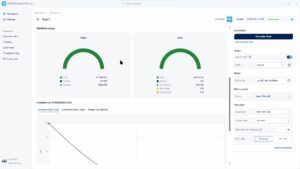
The first version of STM32Cube AI Studio allows users to import existing models, quantize them with real data, optimize them with numerous options that are unavailable in X-CUBE-AI, and benchmark them on target to test latency, memory footprint, accuracy, and more. It’s even possible to validate them using data captured externally. Additionally, those with less experience can bring pre-quantized models and simply generate optimized C Code. Put simply, STM32Cube AI Studio offers features for data scientists with years of experience and for software engineers starting their first project. As we’ve learned with NanoEdge AI Studio, we serve the industry better when we target a wide range of experiences.
Why provide a familiar UI and common underlying technology
Those familiar with our previous offerings will immediately recognize the UI of STM32Cube AI Studio. In fact, some of the developers working on NanoEdge AI Studio designed the new software, ensuring our community can use this standalone version intuitively and quickly. Similarly, under the hood, STM32Cube AI Studio uses the STEdgeAI Core, a command line interface that powers an increasing number of ST’s AI software. It opens the door for power users to run scripts, automate parts of their workflows, and optimize development. Put simply, by using a common UI language and a shared CLI tool, ST aims to make the whole suite of ST Edge AI solutions more cohesive, helping developers work more efficiently.
Where to begin?
STM32Cube AI Studio is currently available for Windows and Ubuntu, with a macOS version coming at a later date. We will publish video tutorials and getting-started guides to help users migrate from X-CUBE-AI. We will also have wiki tutorials going over some of its features. We also encourage those who are very new to the field to try demo examples in NanoEdge AI Studio to familiarize themselves with machine learning at the edge, then use STM32Cube AI Studio to expand their expertise, thus taking full advantage of the software we offer.